
Log in to your brokerage’s mortgage app (see this guide for login steps).
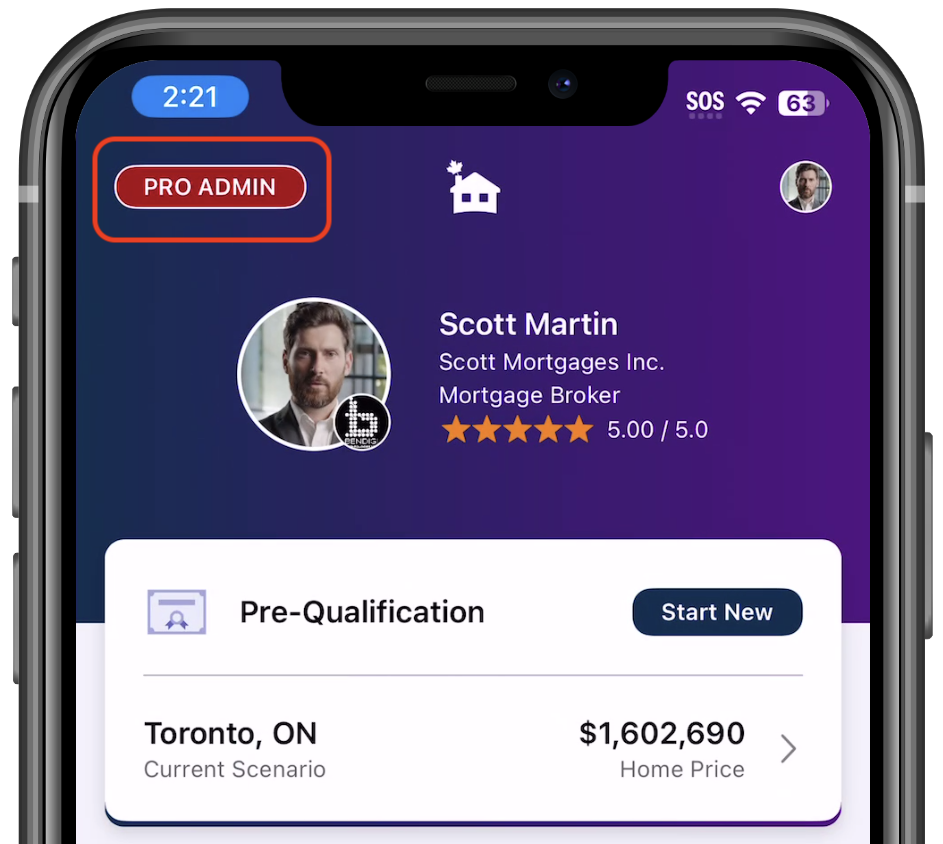
Tap the Admin button to open your Admin portal.
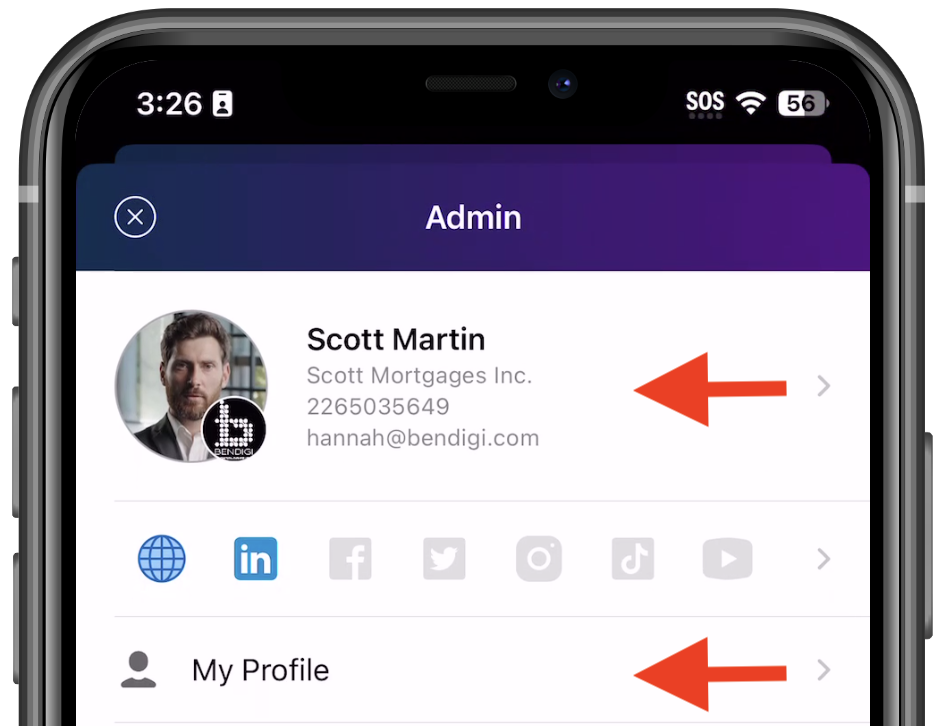
Tap either section below to go to your Profile → scroll down to Social Media URL.
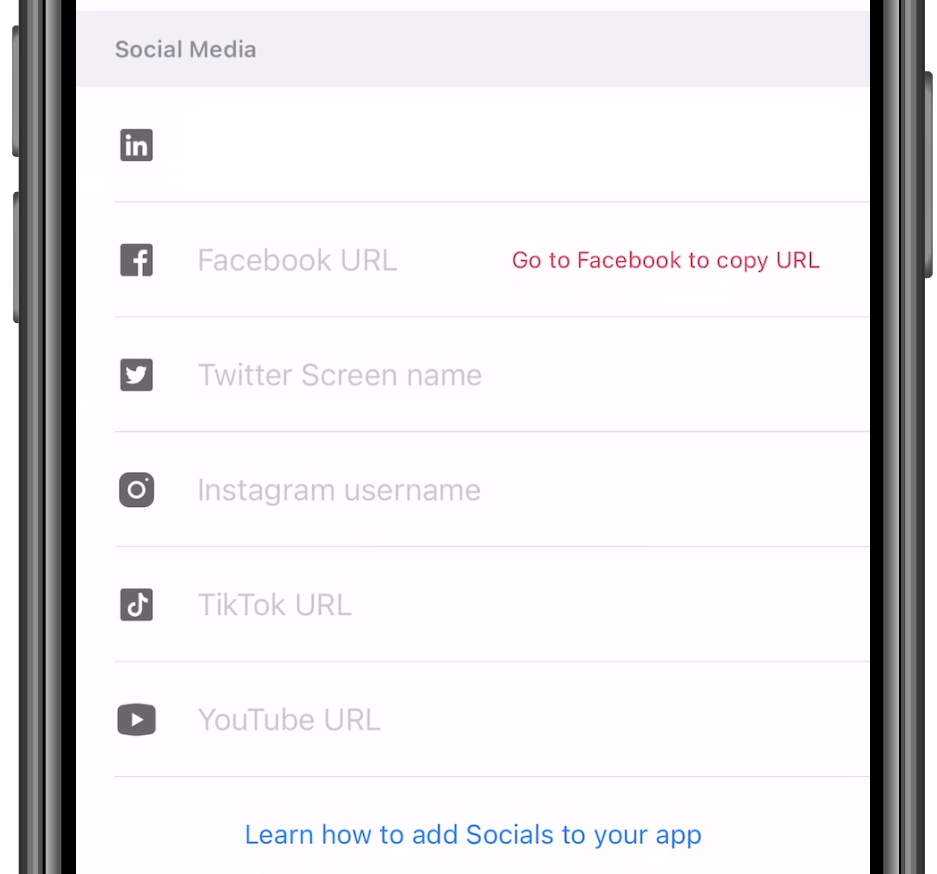
Enter your profile links and tap Done in the upper-right corner.
Changes may take 1–2 days to appear in the app.
How do I add/change the social media links on mortgage App?
Last Updated: 82d