In the Compare PRO Analysis, you'll find three tabs at the top. Basic, Graph and Table. We will explain each in sequence.
Basic
This is a quick comparison of the payment, outstanding balance, and total interest month by month. You can scroll through the month using the bottom slider.
Graph
Payment
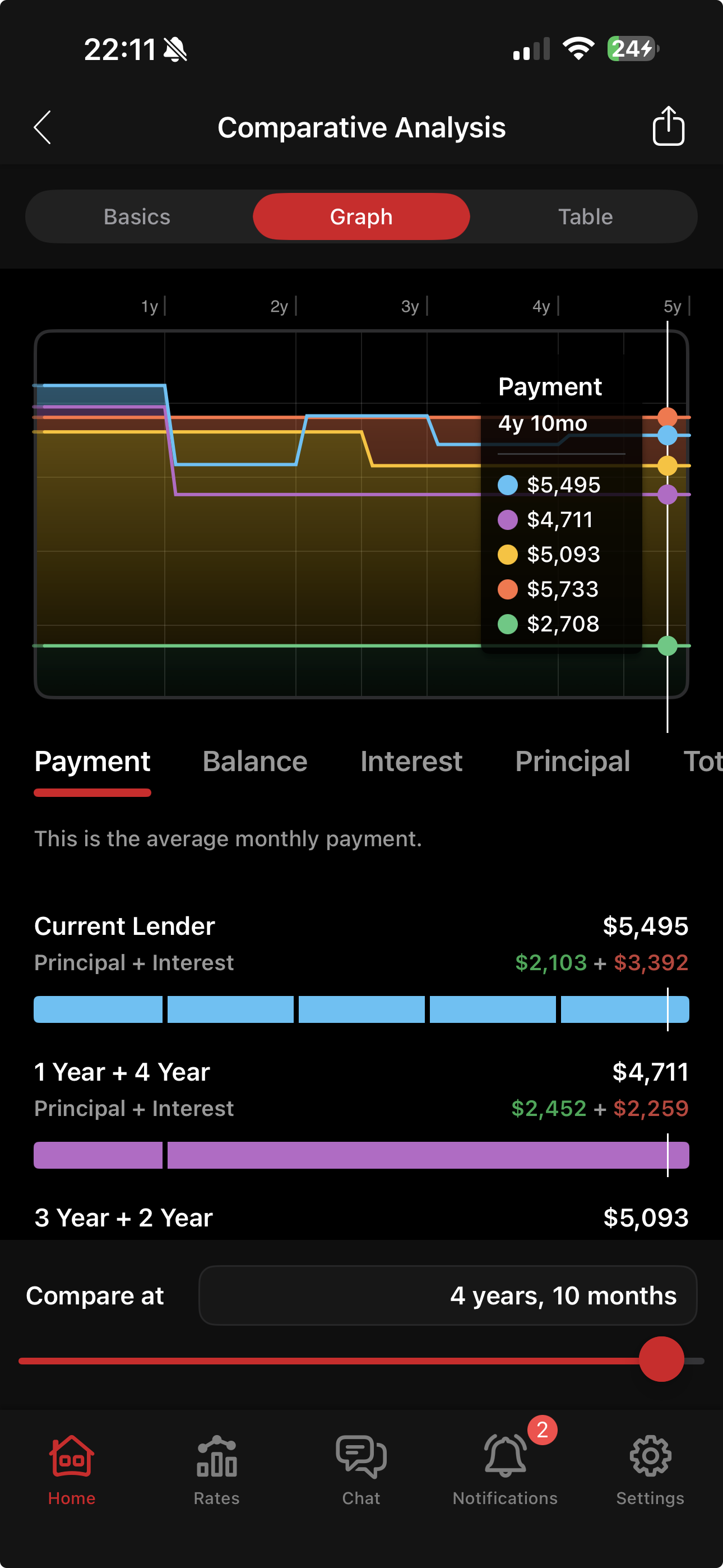
The graph tab displays a time chart for each mortgage attribute and lets you compare them across all options. For instance, you can visually compare payments for all options as they change through time. In the Payment sub-tab, you can also see the Principal and Interest portion of the payment.
Interest
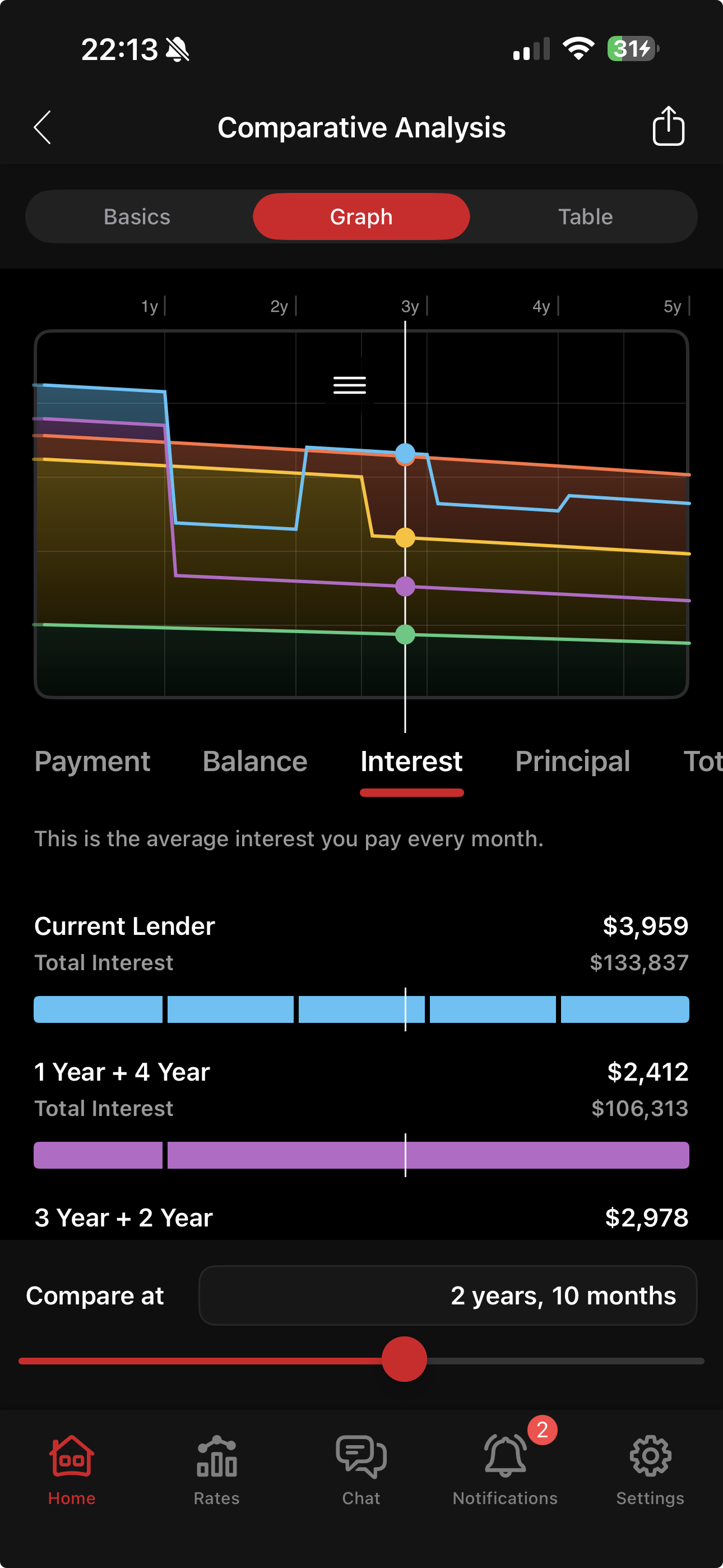
On the Interest tab, you can see how much interest you would be paying on that specific month, as well as the total interest you would have paid from the start date. You can set the start date in the input screen. Please note that, in a renewal comparison, the total interest is NOT from the original start of the term, but rather calculated from the next payment date. You can change the next payment date in the current situation.