
At this time, Google Reviews cannot be automatically synced to the app, so testimonials will need to be added manually.
You can easily add client testimonials/reviews to your profile by following the steps below.
How to add testimonials:
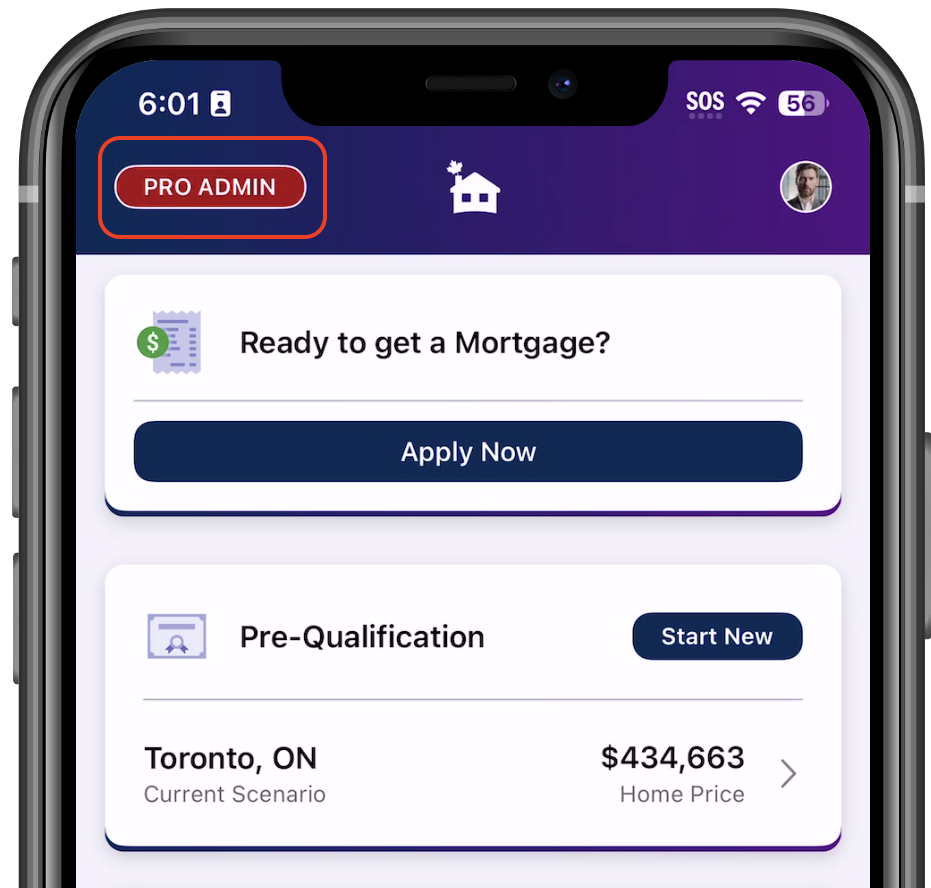
Go to PRO Admin/ Admin located in the upper left corner of the home page screen of the app.
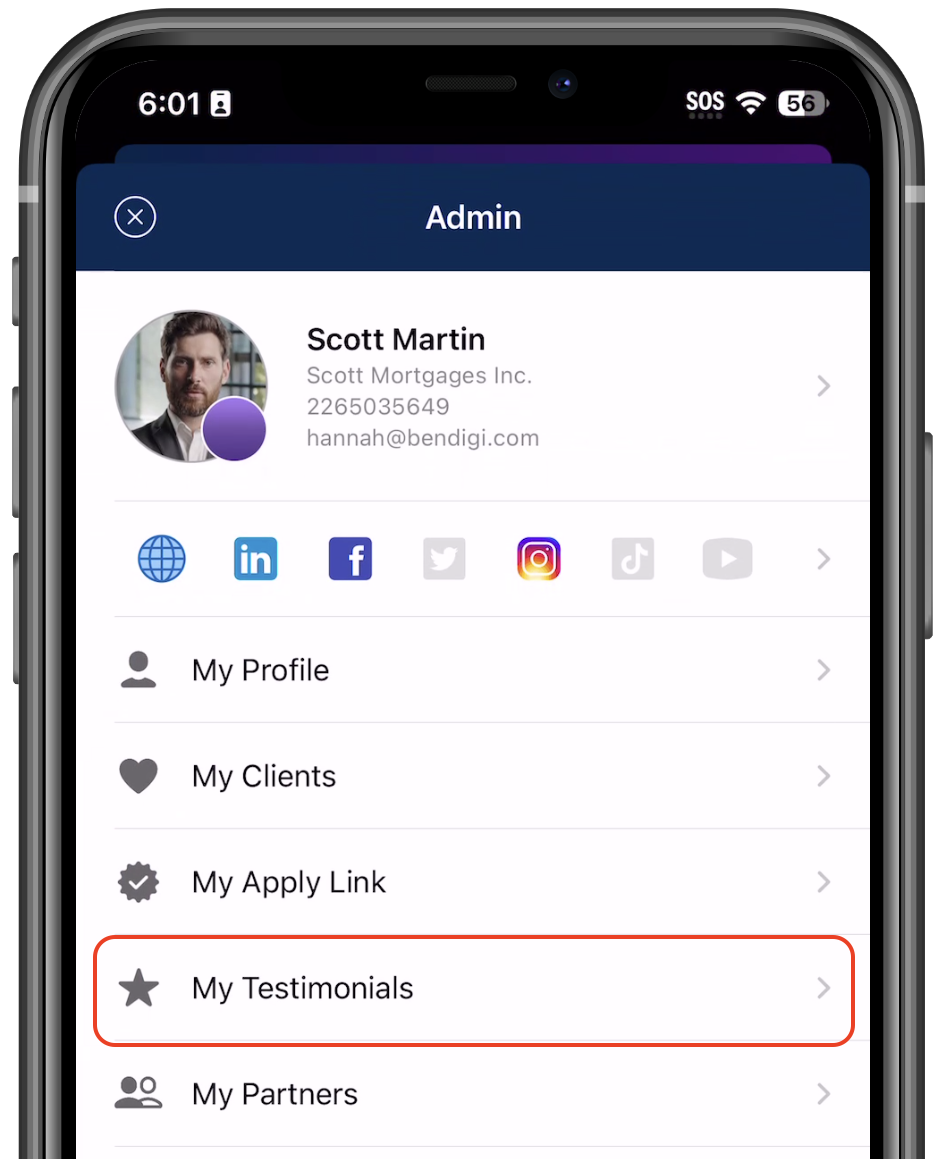
Tap on My Testimonials
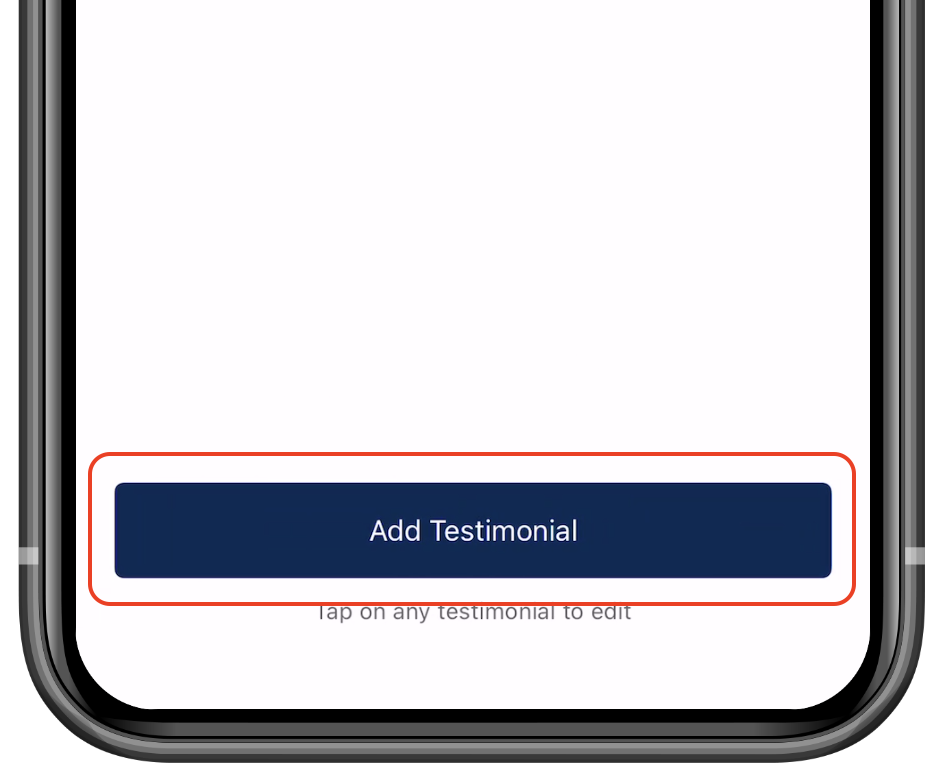
Enter the client’s First Name, Last Name, Date, Stars and the testimonial content.
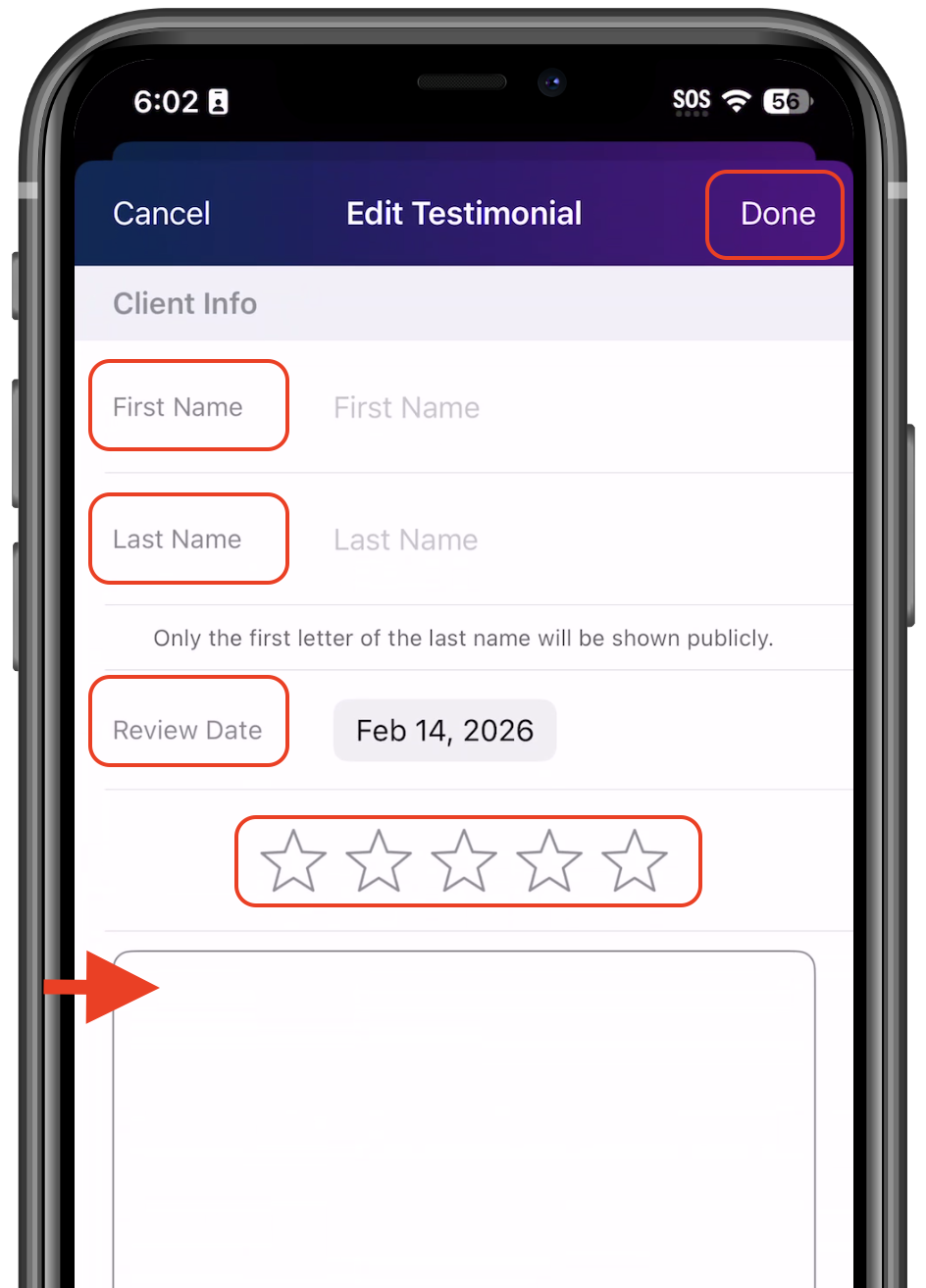
Click Done to save
Your testimonials will appear on your broker profile, so be sure to keep this section updated and complete for the best client experience.