The Rent or Buy Calculator is now available in your Website Calculator Hub. Follow the steps below to add it to your website.
1. Log in to the Web Admin
On your desktop or laptop, go to https://admin.bendigi.com and sign in by scanning the QR code. Open your Mortgage App on your phone and go to Settings > Web Login.
2. Open Website Calculators
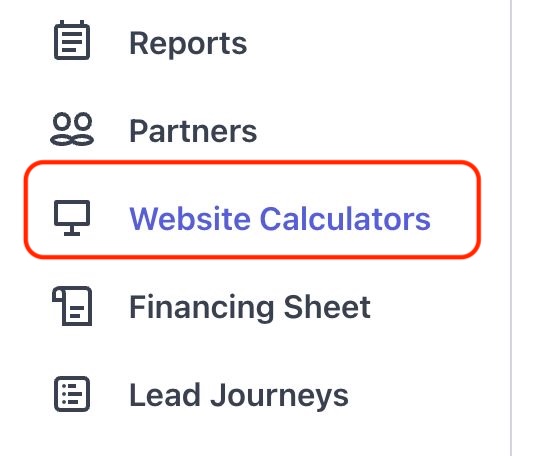
Inside the Web Admin Portal, click Website Calculators on the left side panel and then select your website domain.
3. Enable the Rent or Buy Calculator
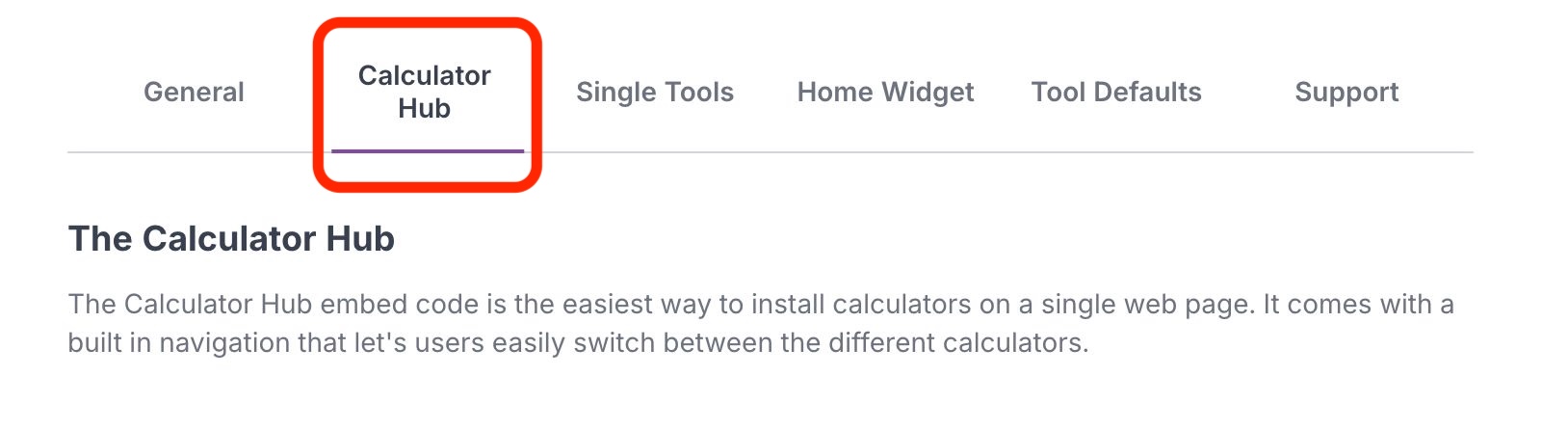
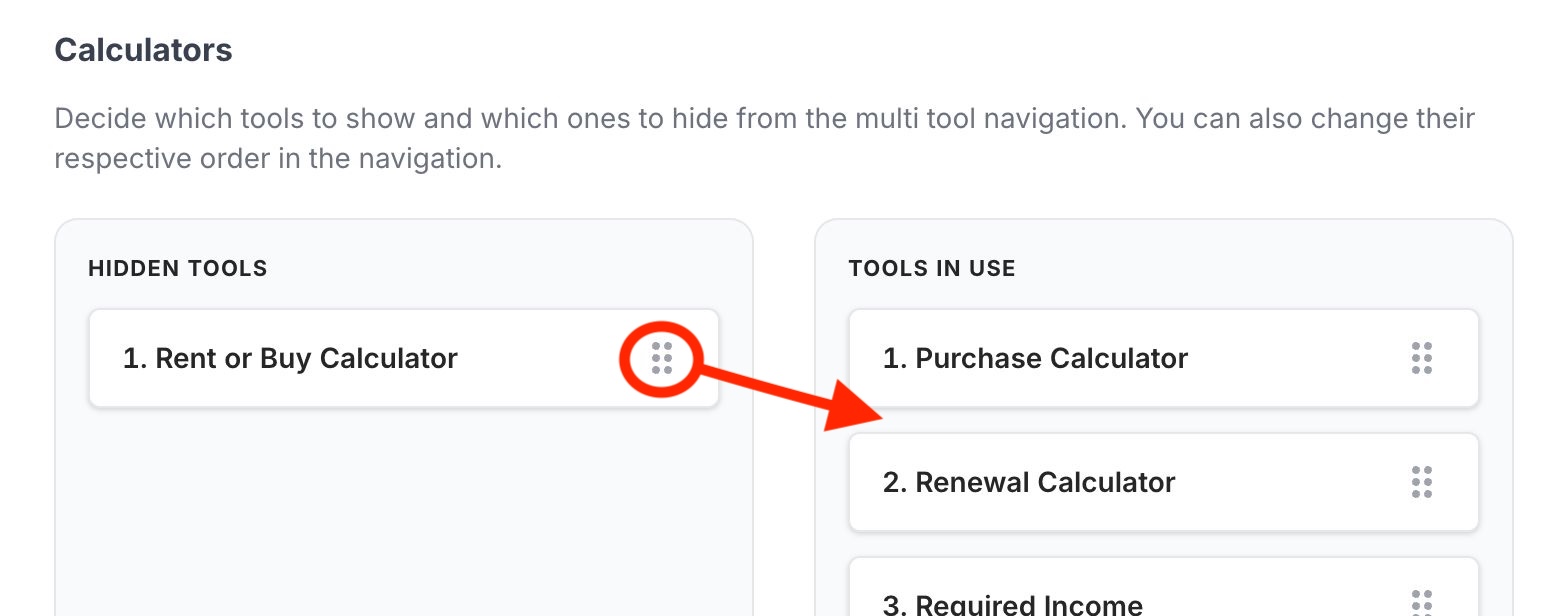
Click the Calculator Hub tab, then drag the Rent or Buy Calculator from the hidden tools into Tools in Use. Your website will automatically update.