
Let’s connect your website to your Web Admin Dashboard and install the calculators on Framer.
Generating the API KEY
In your Web Admin Dashboard, click Web Calculators on the left-hand side, then select Add a New Website.
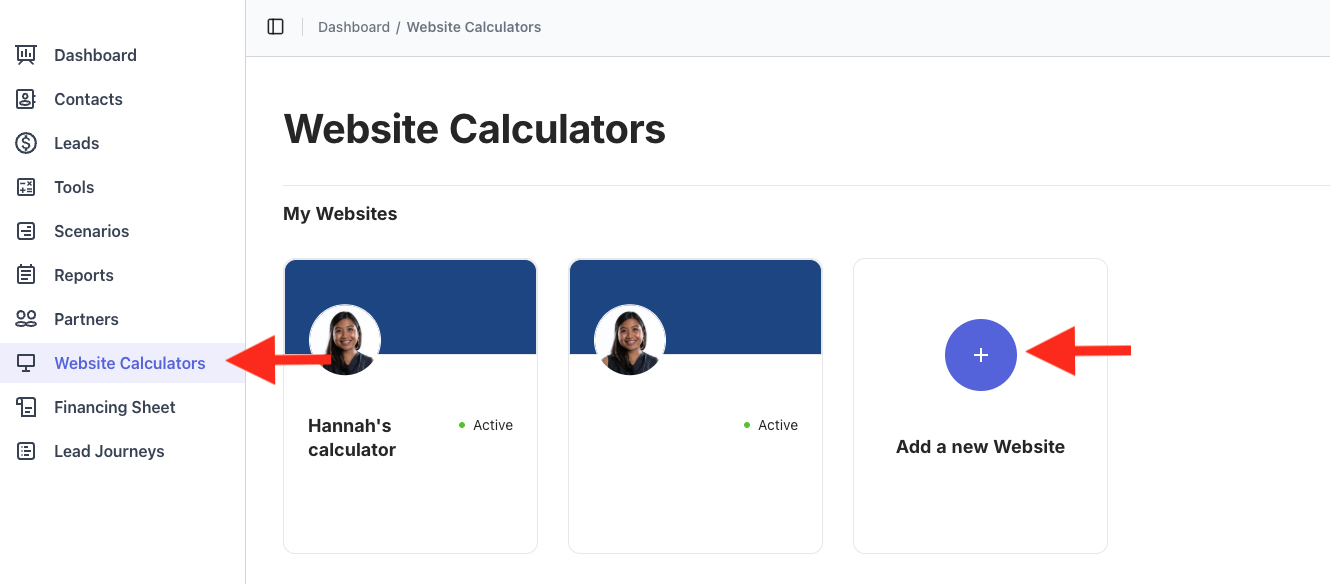
Enter your website domain. For Platform type, choose Framer, then click Next.
Customize the calculator colours to match your website branding. (You can always change these later.) Then click Create embed code.
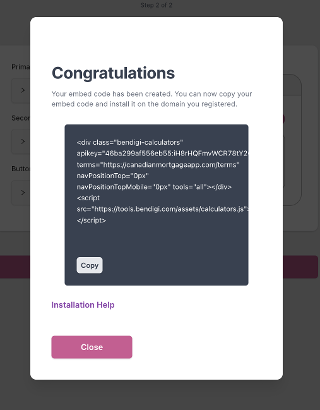
Your calculator embed code is now generated. Click Close.
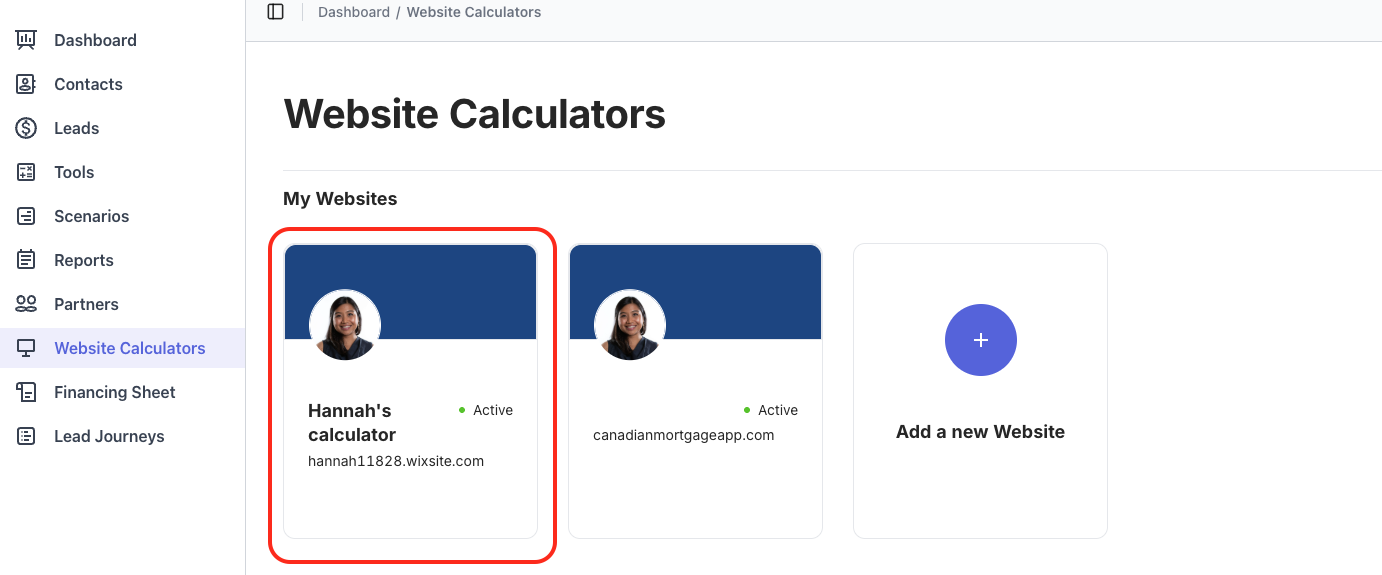
- Click on the website tile you just created.
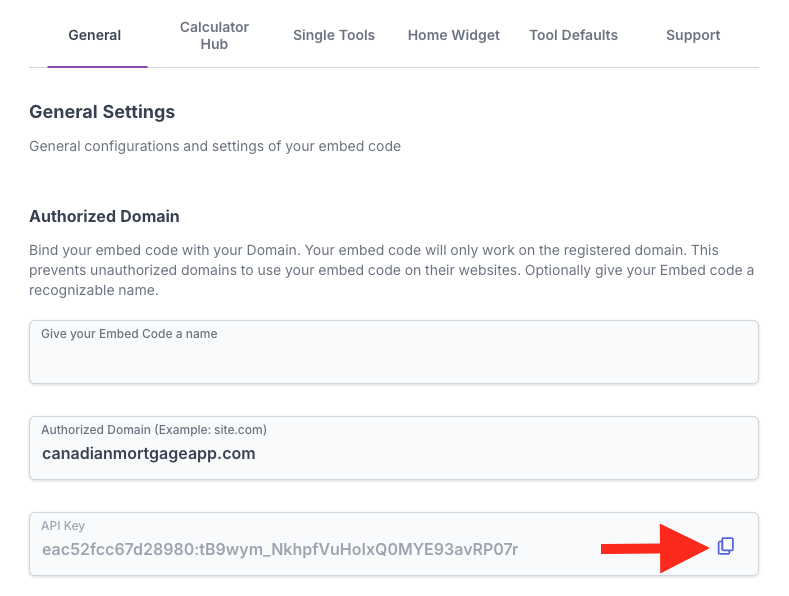
6. Copy the API key and paste it into a notepad for later.
Adding the Code in Framer
Open Framer and go to Assets.
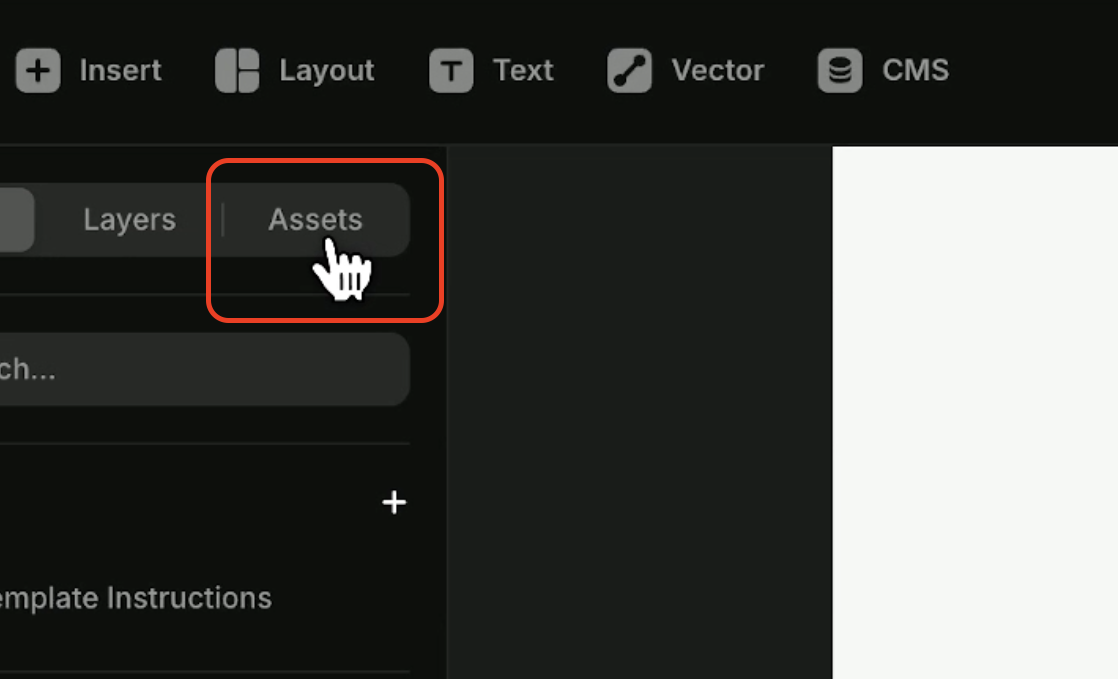
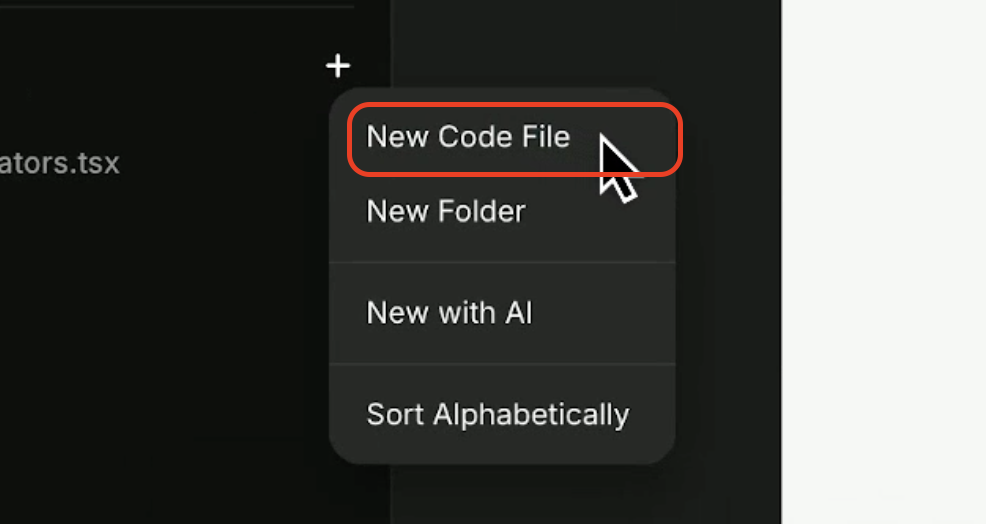
Under Code, create a new code file and name it
Web Calculators. Paste the provided code snippet into this file.
import * as React from "react"
export function BendigiCalculator() {
React.useEffect(() => {
const container = document.createElement("div")
container.className = "bendigi-calculators"
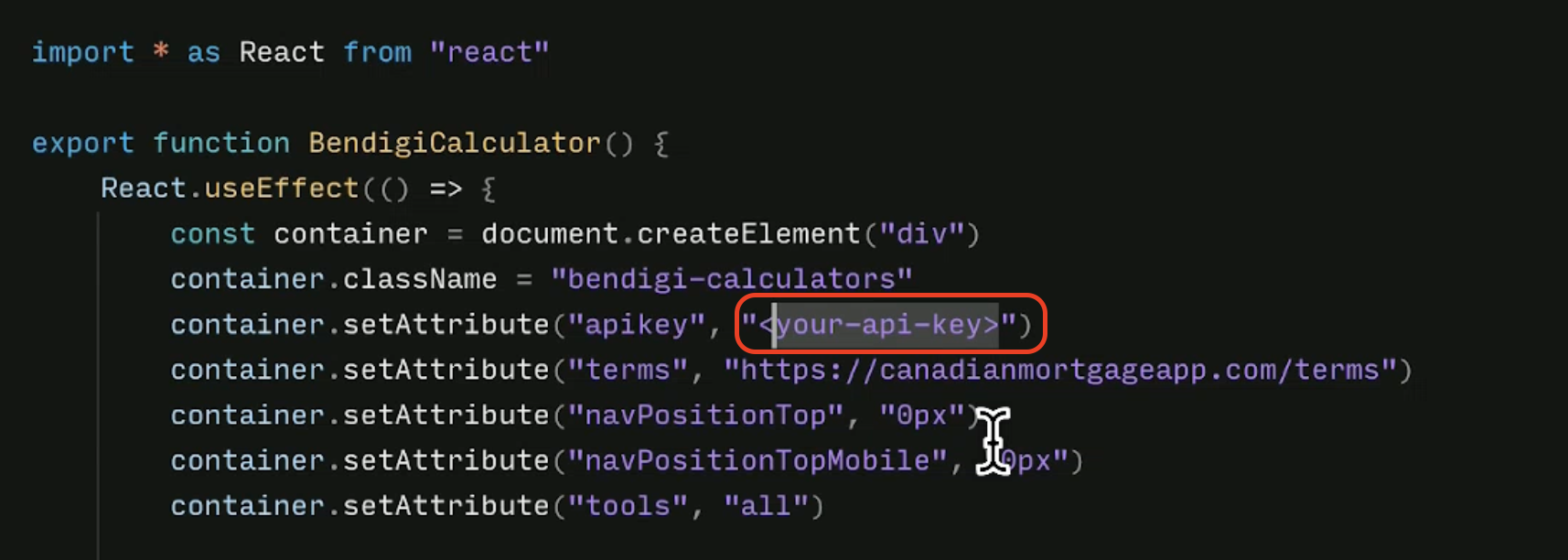
container.setAttribute("apikey", "<Your-API-Key>")
container.setAttribute("terms", "https://canadianmortgageapp.com/terms")
container.setAttribute("navPositionTop", "0px")
container.setAttribute("navPositionTopMobile", "0px")
container.setAttribute("tools", "all")const placeholder = document.getElementById("bendigi-calculator-root")
if (placeholder && placeholder.childNodes.length === 0) {
placeholder.appendChild(container)
}const existingScript = document.querySelector(
'script[src="https://tools.bendigi.com/assets/calculators.js"]'
)if (!existingScript) {
const script = document.createElement("script")
script.src = "https://tools.bendigi.com/assets/calculators.js"
script.async = true
document.body.appendChild(script)
}
}, [])return (
<div
id="bendigi-calculator-root"
style={{
width: "100%",
height: "auto",
minHeight: "600px",
}}
/>
)
}
9. In the snippet, replace "Your API Key" with the API key you saved in your notepad.
10. Go to Pages and click on Home (or the page where you want the calculators to appear).
11. Click on the Assets tab, then drag the Web Calculators code file to the section where you want the calculators embedded.
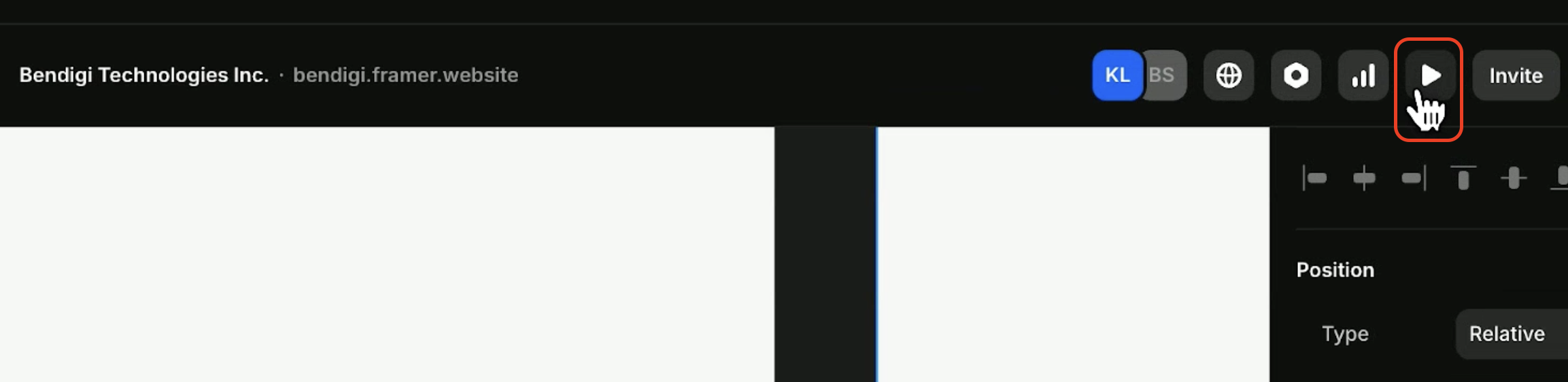
12. Click the preview arrow in the top-right corner to confirm everything looks good.
13. Once you’re happy with it, click Publish.